Why the Best Art will Produces the Best Print Results.
Know the Difference.
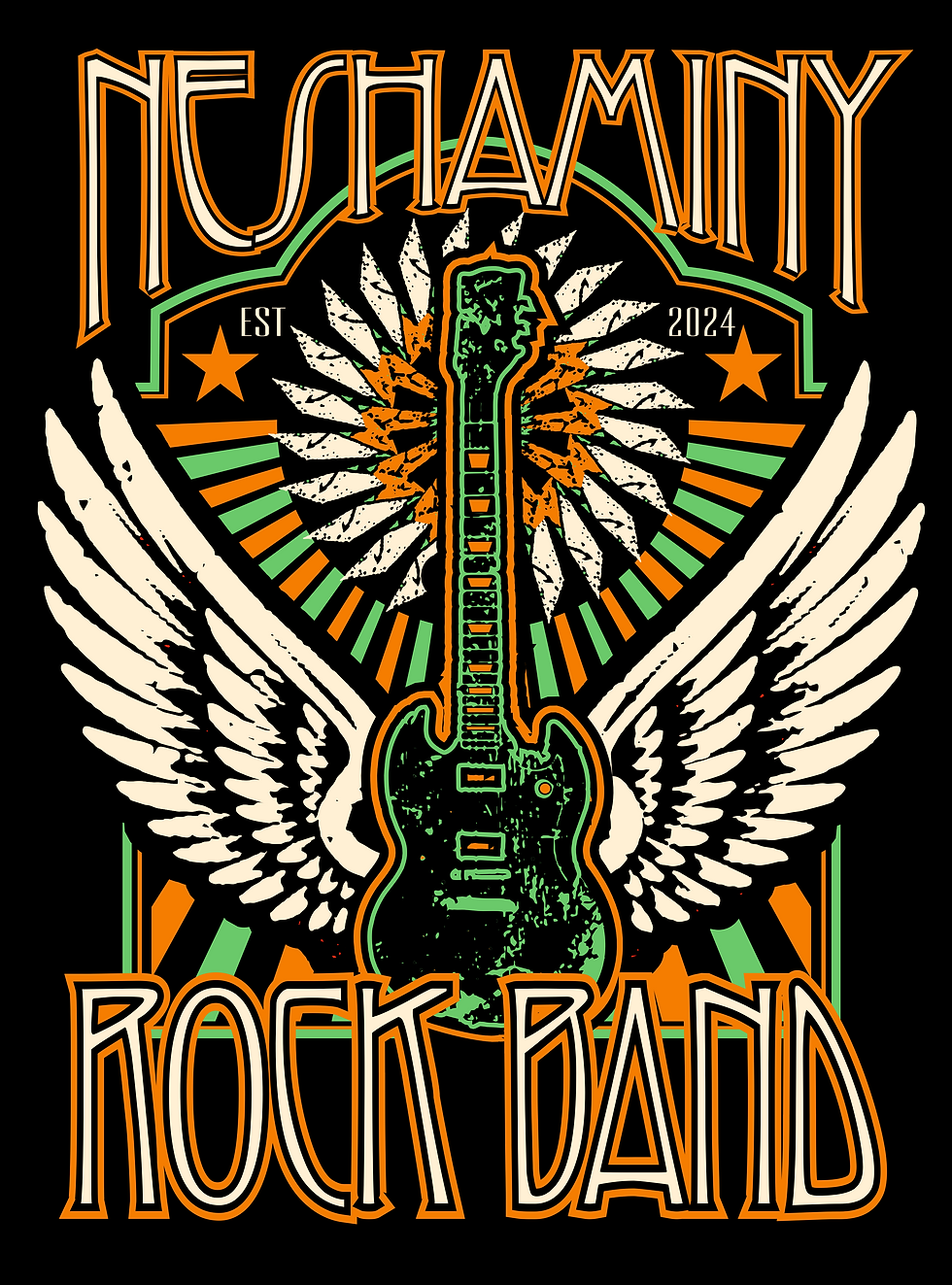
Intro to File Types
Choosing the right file type is essential for custom apparel printing. The format you provide directly determines the sharpness, color accuracy, and overall quality of your final printed design.


Vector vs Raster Explained
The biggest difference lies in resolution. Raster images are made of pixels and lose quality when enlarged. Vector images are built using mathematical paths, making them resolution-independent—meaning they stay perfectly sharp whether they are printed on a small business card or a massive billboard.
- Vector Files: Infinite scalability, no pixelation, perfect for logos and screen printing.
- Raster Files: Fixed resolution, best for detailed photography, but can get 'blurry' if stretched too far.
- The Verdict: Always aim for vectors for the cleanest print results on custom apparel.
The Vector Kit

.AI (Adobe Illustrator)
The industry standard for vector design. It contains all original design data and layers, making it the most flexible file for any print size.

.SVG (Scalable Vector Graphics)
A versatile format perfect for modern web use and simple vector graphics. It maintains perfect quality at any scale and is easy to open in most browsers.

.EPS (Encapsulated PostScript)
The legacy format for high-resolution graphics. EPS files are universally recognized by professional printing software, ensuring accurate color and sharp edges.
Raster & Hybrid Formats
.JPEG / .JPG
The standard for photographs and high-detail images. While efficient for web viewing, JPEGs lose quality every time they are saved and cannot be scaled up without blurring.
Print Tip: Only use high-resolution JPEGs (300 DPI) for Direct-to-Film (DTF) printing. Avoid for screen printing.
.PNG
Best for logos and graphics needing transparency. PNGs maintain sharp edges better than JPEGs but are still pixel-based, meaning they will pixelate if enlarged.
Print Tip: Ensure backgrounds are fully transparent before submitting. Great for DTF stickers and full-color transfers.
A 'hybrid' format that can hold both vector and raster data. PDFs created in vector software are ideal, while PDFs of scanned images act like low-quality rasters.
Print Tip: High-quality PDFs are the preferred way to share complex designs that include both text and images.

The Standard of Quality
Vector files are the gold standard for screen printing and DTF (Direct to Film) because they are mathematically defined. Unlike pixels, vectors maintain razor-sharp edges at any scale. This precision ensures that every detail of your design is reproduced with absolute clarity, preventing the blurred or 'stair-stepped' edges that occur with low-resolution raster files.
If you have questions about your art files or need help, please reach out to our dedicated graphic design team below.